 iCoachPro
Visualize positions
Arrange players on a football pitch and present a planned shape clearly.
Visualize player positions, think through formations and prepare tactical ideas with the iCoachPro tactics editor.
✓ One team free · iOS, Android and Web
The same squad shown as a clear 2D formation or as player cards on a 3D pitch.
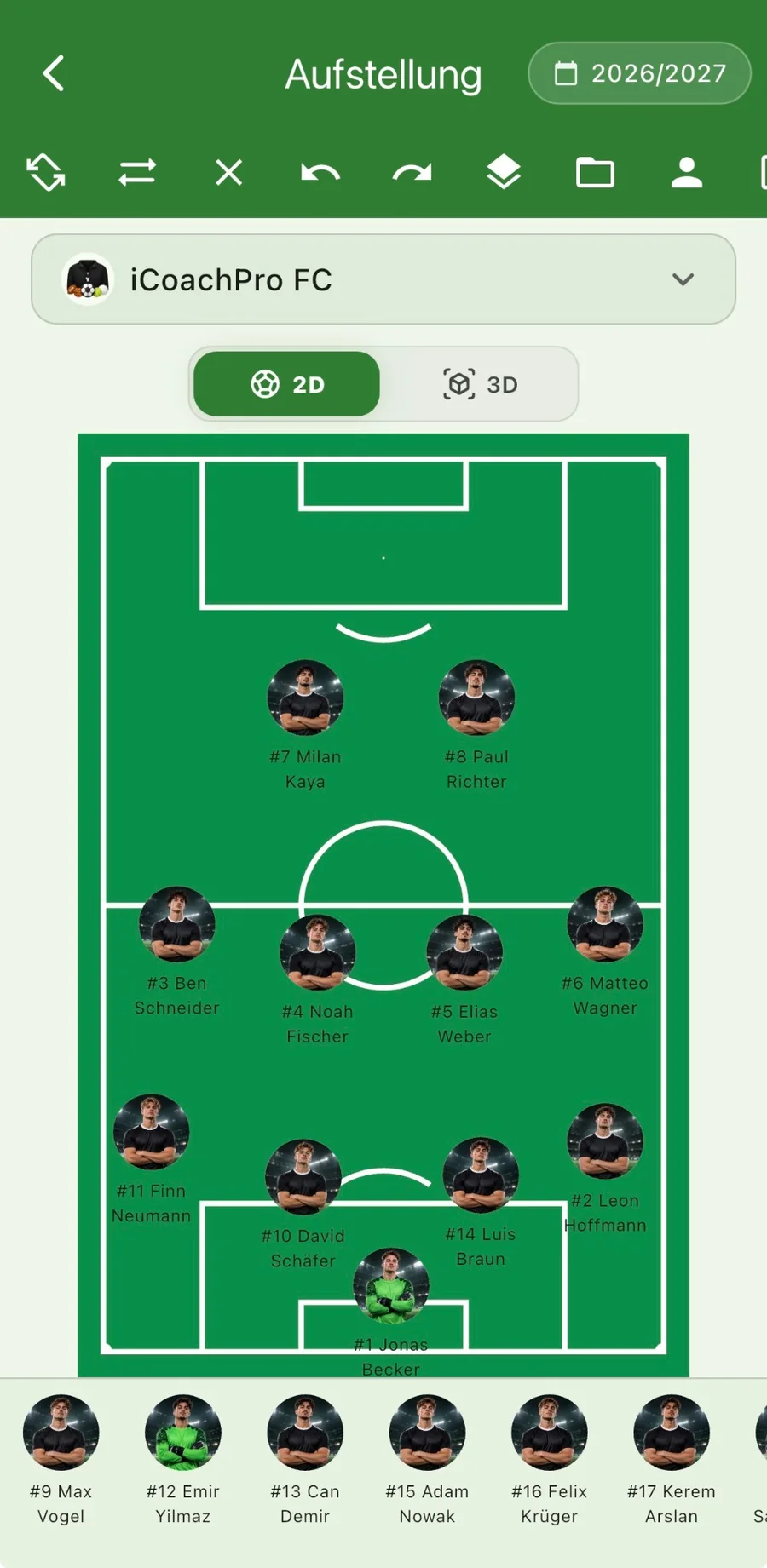
See positions and player names on the field.
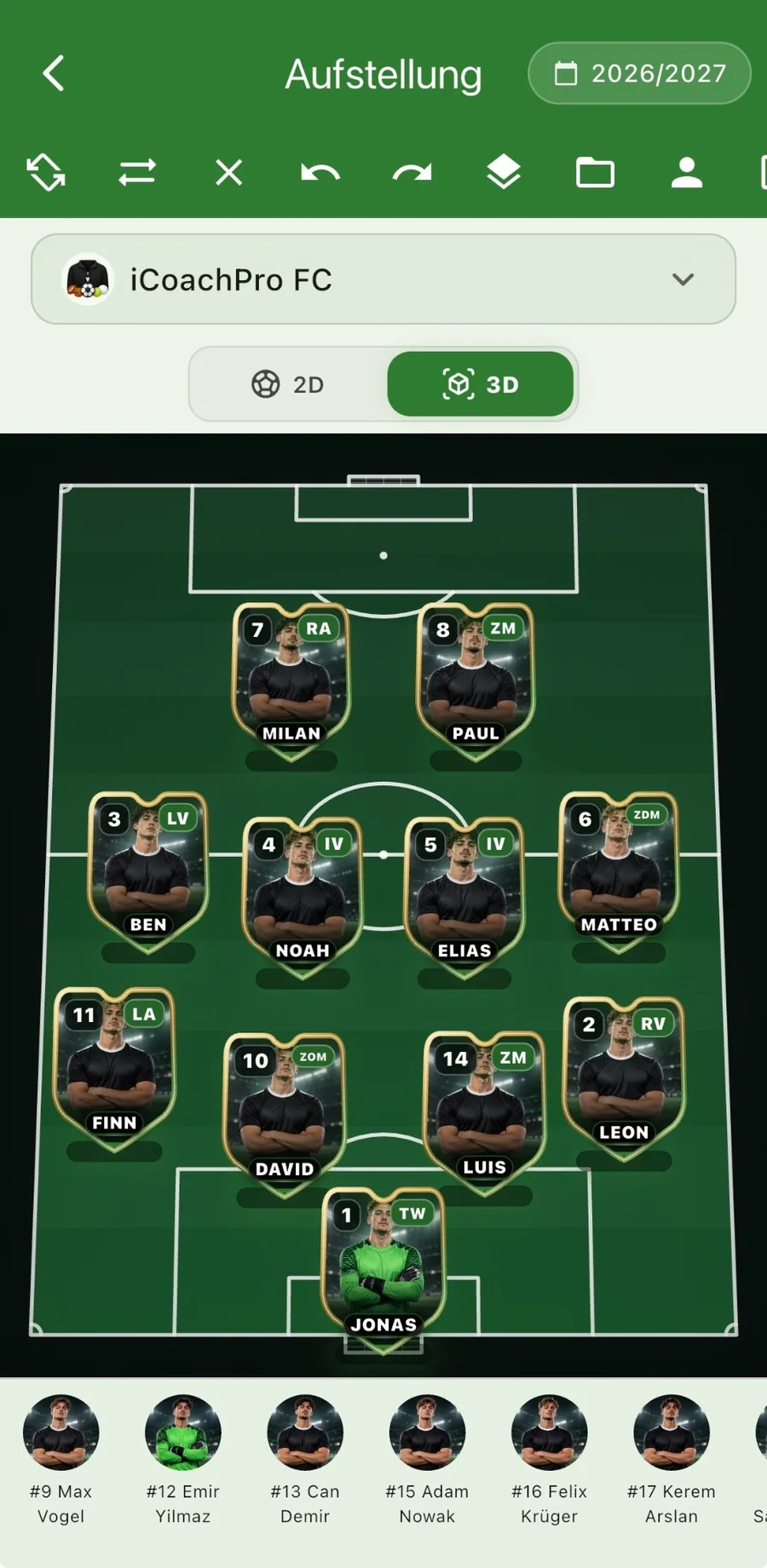
View player cards on a virtual football pitch.
Screenshots of iCoachPro; the interface may vary by device and version.
Tactical ideas are often easier to communicate when positions and spaces are visible. A digital tactics board helps coaches create a clear picture before training or matchday.
Arrange players on a football pitch and present a planned shape clearly.
Use the tactics tools alongside your matchday and lineup planning.
Make key spaces, team shape and tactical situations easier to discuss.
Keep tactical preparation close to the rest of your coaching workflow.
Decide which positions and distances support your intended style.
Prepare examples of pressing, cover or attacking organization.
Use the board as a starting point for a short, clear explanation.
Especially in youth football, one clear picture can be more useful than a long team talk. Digital visuals can help reduce a complicated idea to a few important points.
A tactics board is a preparation tool rather than a replacement for practicing on the pitch. The real goal is helping players recognize the situation in the game.
Yes. iCoachPro includes a tactics editor for positions and tactical elements.
Yes. It can support coaching preparation for both training sessions and matchdays.
Yes. You can get started with one team for free and explore the plans available in the app.
Organize your first team with iCoachPro. Start for free with no credit card required.
Start for free